Campaign Assets
Social Media Toolkit
If you’d like to help spread the word, I’ve put together a few things you can use on your own social media.
Profile Frame
Add a campaign frame to your profile picture and download a finished image you can use across social media.
2 Add your photo
JPG, PNG or WEBP · up to 20 MB. A photo at least 1080 pixels wide works best.
Drag your photo to move it. With the preview focused, use arrow keys (Shift for larger steps).
3 Ready to make your profile photo?
When everything looks right, create the image and save it to your device.
If your browser opens the image, touch and hold it to save.
Create Your Own Campaign Graphic
Choose a template, make it yours, then download or share the finished graphic.
JPG, PNG or WEBP, up to 20 MB. Drag the photo in the preview to reposition it.
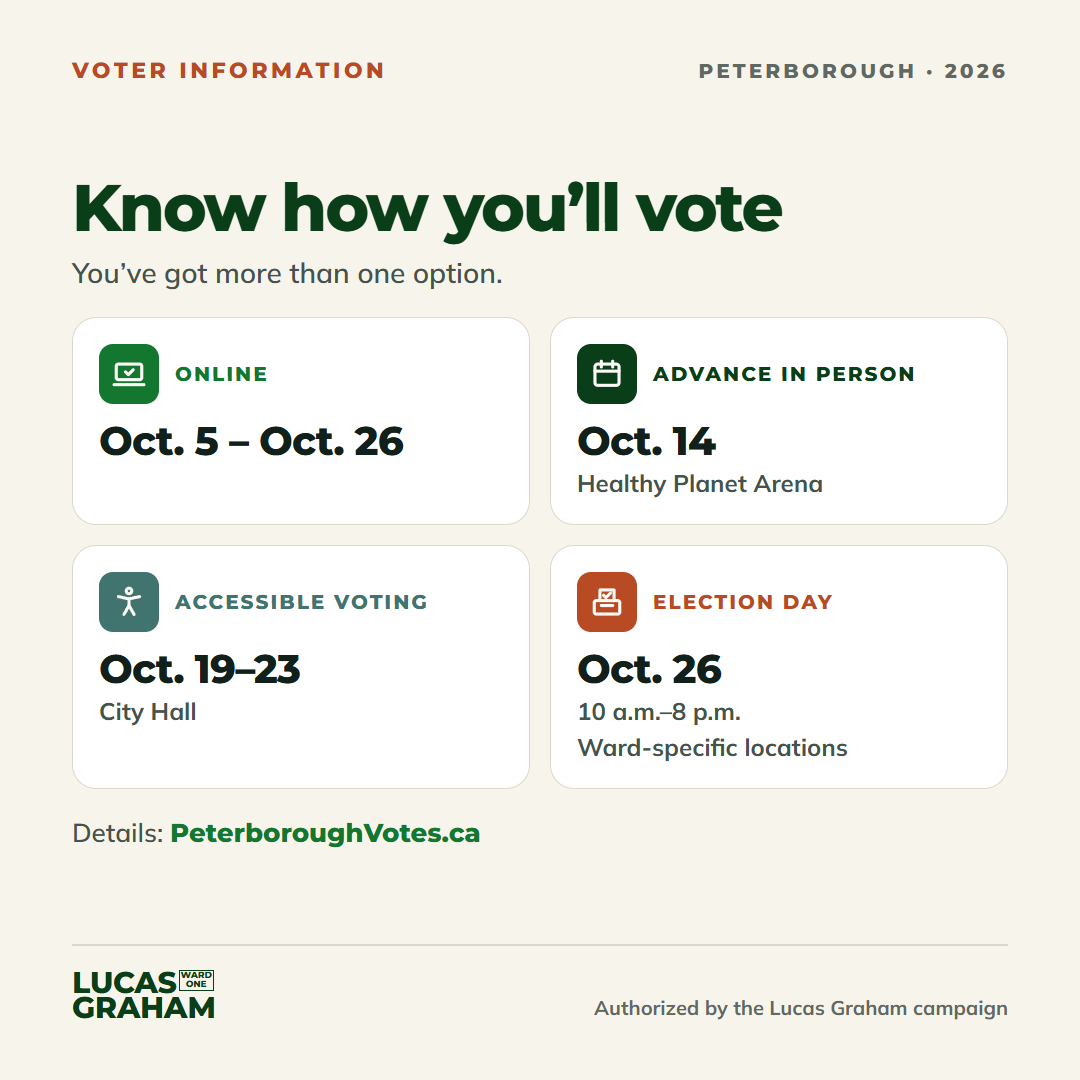
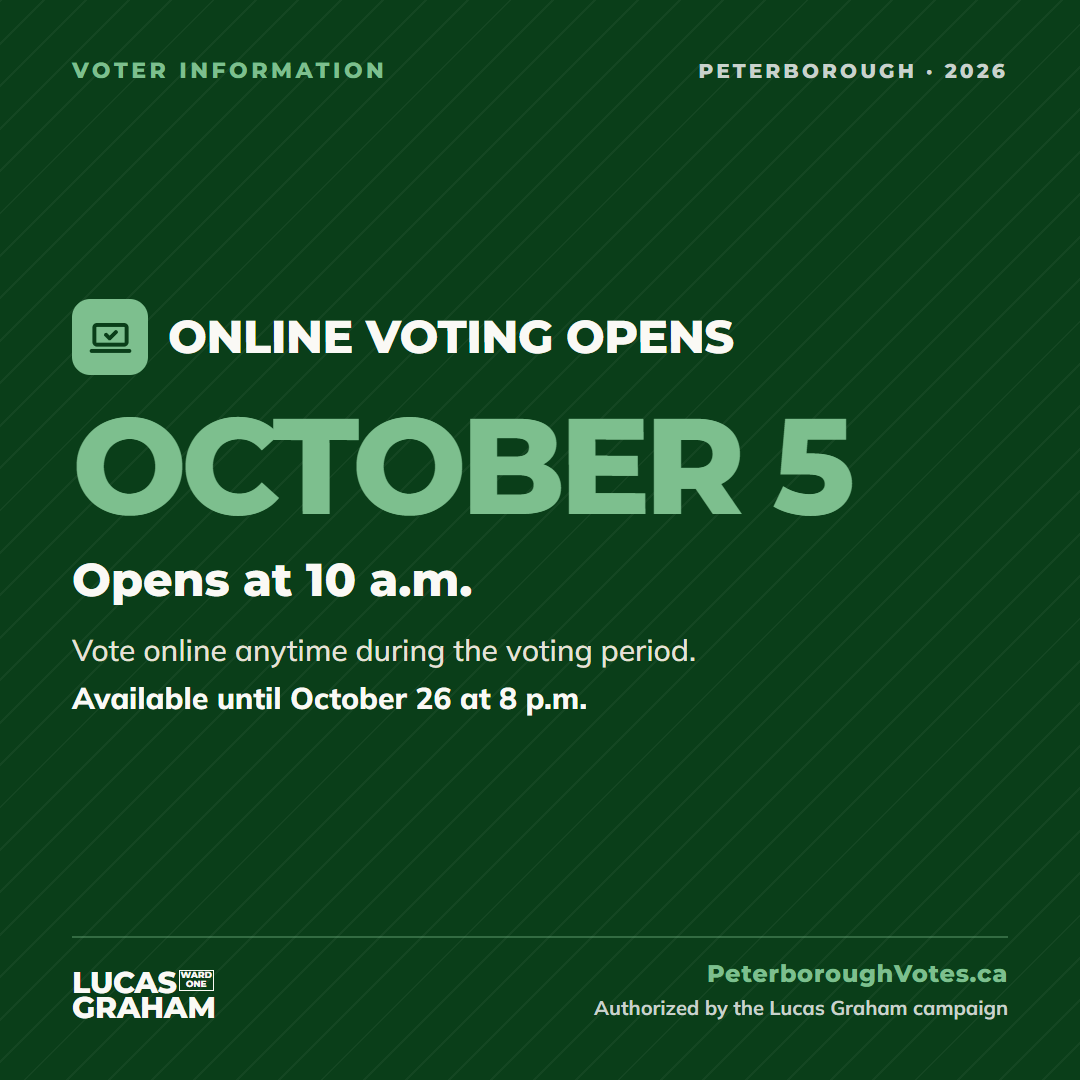
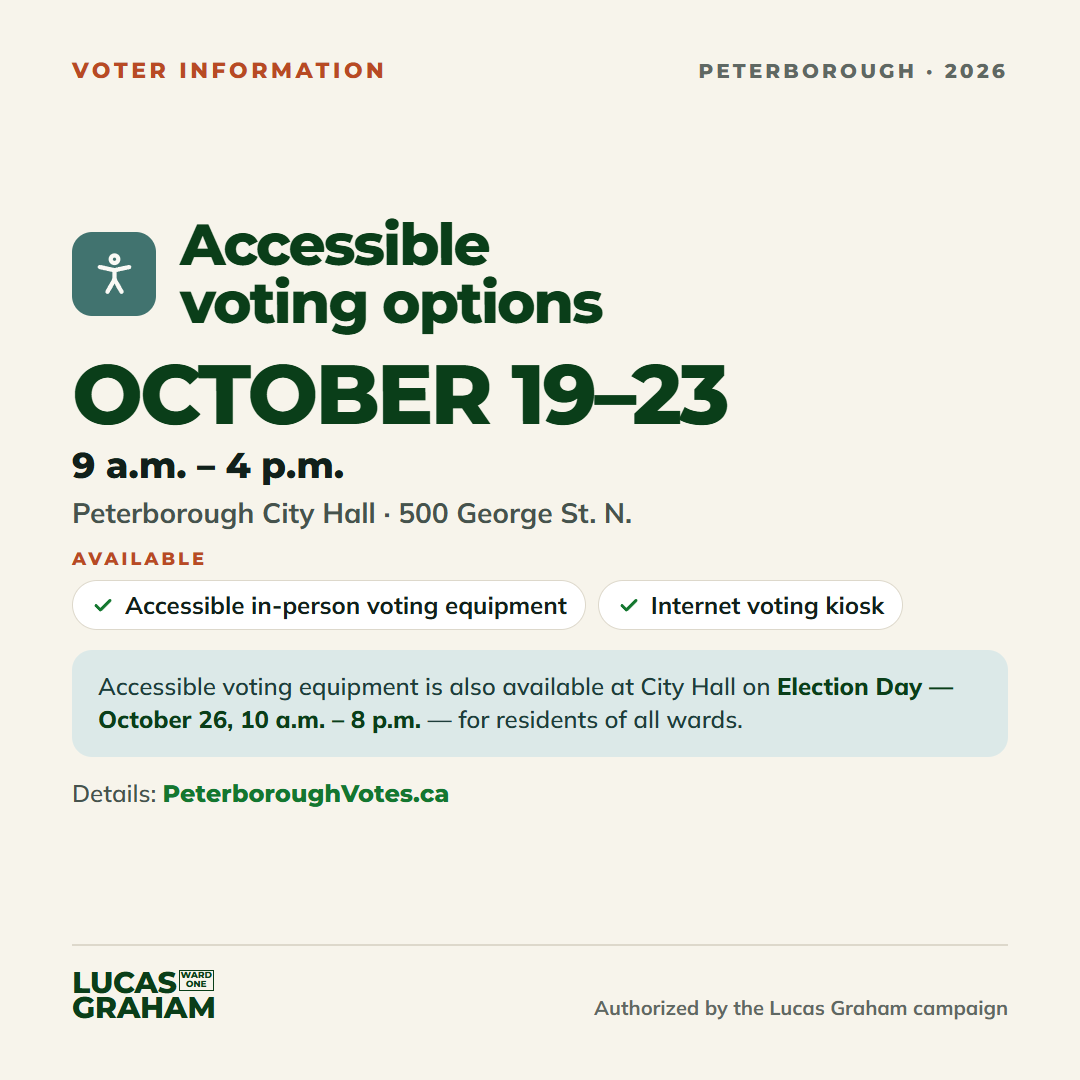
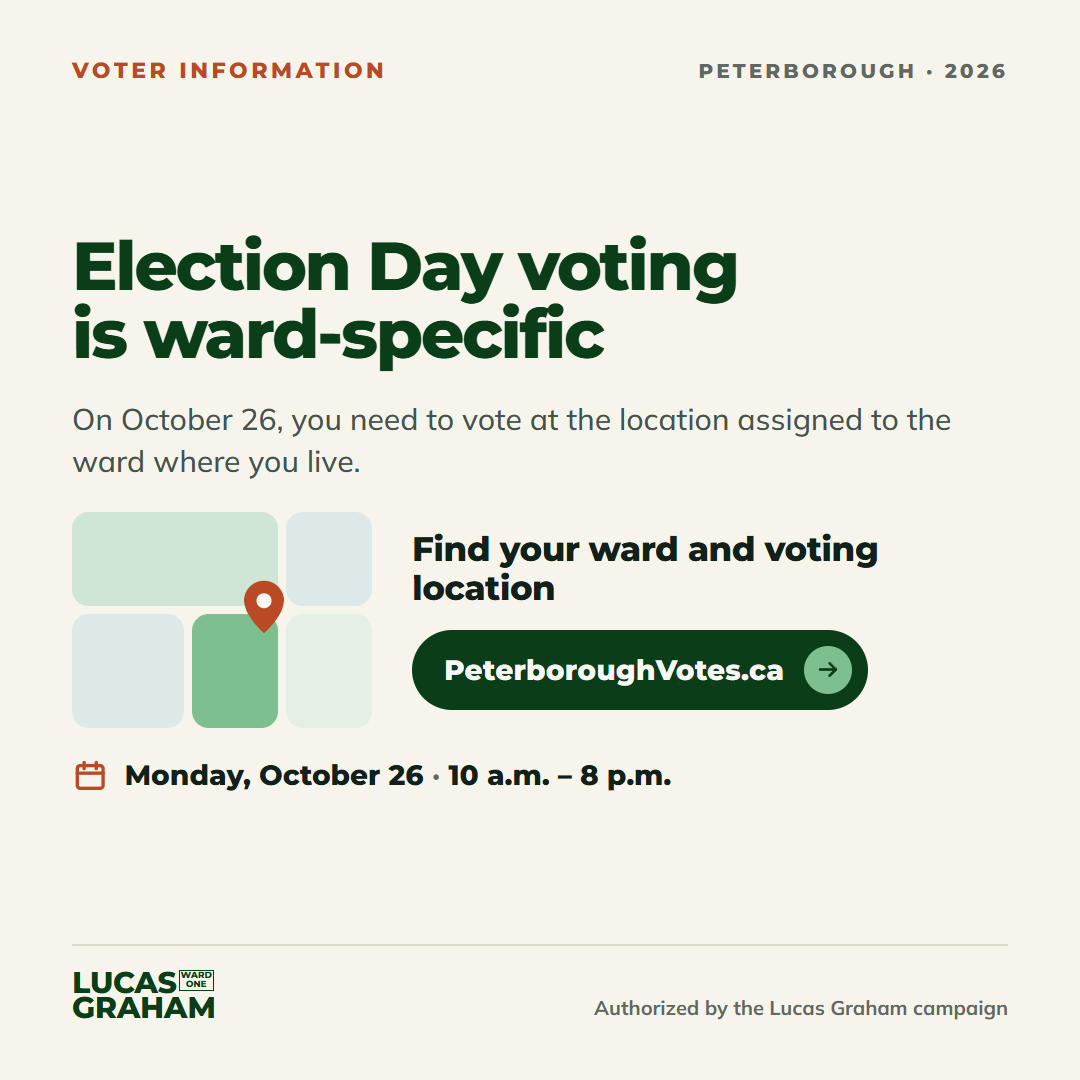
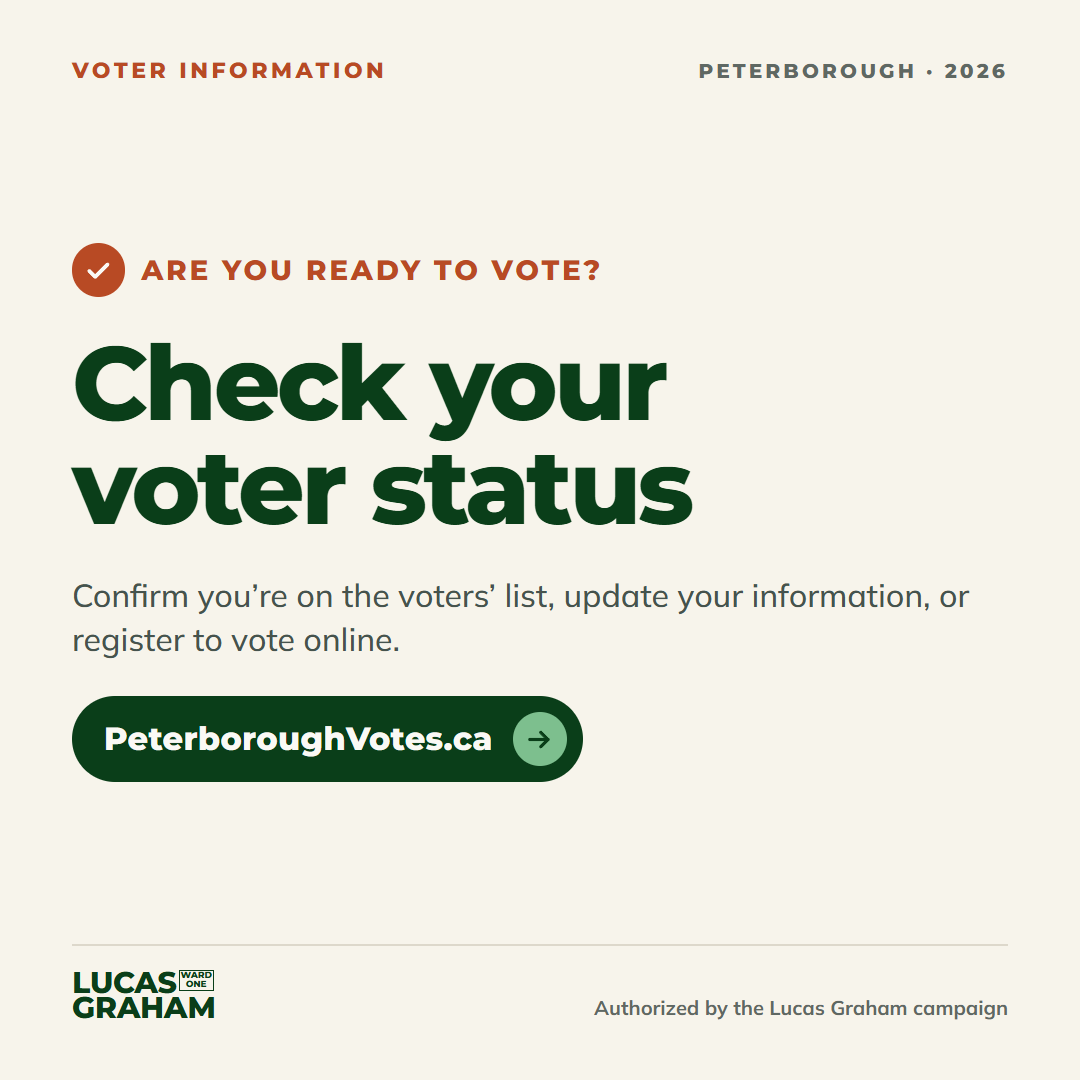
Voting Info to Share
Plain reminders with the key dates, sized for posts and Stories.
Voting information can change.
These graphics use information published by the City of Peterborough. Check the official election information before sharing if you want to confirm the latest details.
Artwork coming soon
Artwork coming soon
Artwork coming soon
Artwork coming soon
Artwork coming soon
Artwork coming soon
Artwork coming soonLooking for Something Else?
I’ll keep adding to this through the rest of the campaign. If there’s a template or format I’ve missed, let me know.
A Quick Note About Sharing
These are for ordinary, unpaid sharing from your own accounts. Please leave the campaign attribution on the artwork intact.
If you're planning to spend money promoting campaign material yourself, check Ontario's third-party advertising rules first.